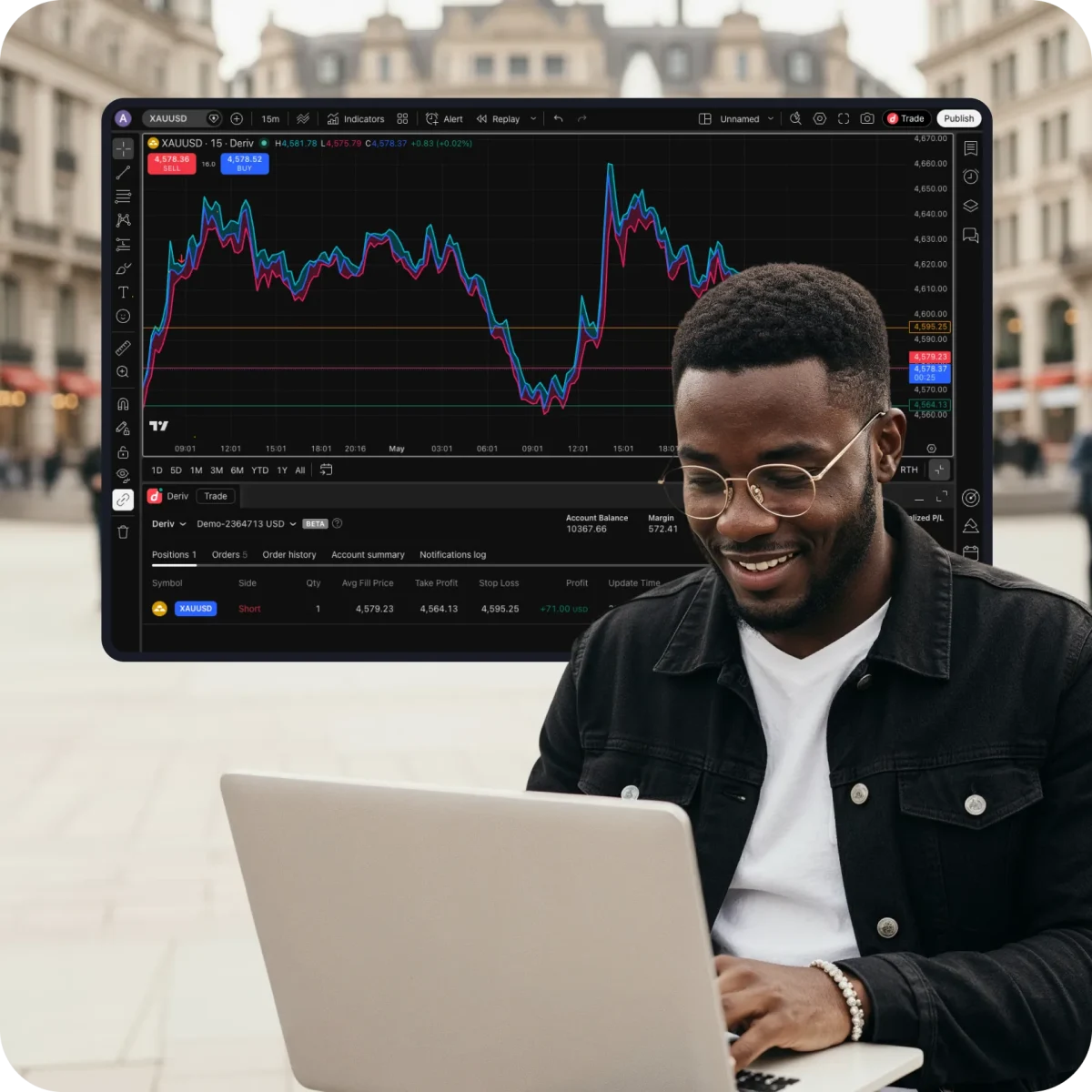
Trade on TradingView

Analyse markets, build strategies, and trade directly from charts on TradingView. Get access to advanced charting capabilities, 400+ built-in indicators, news alerts, and trade global markets alongside our exclusive 24/7 Synthetic Indices.
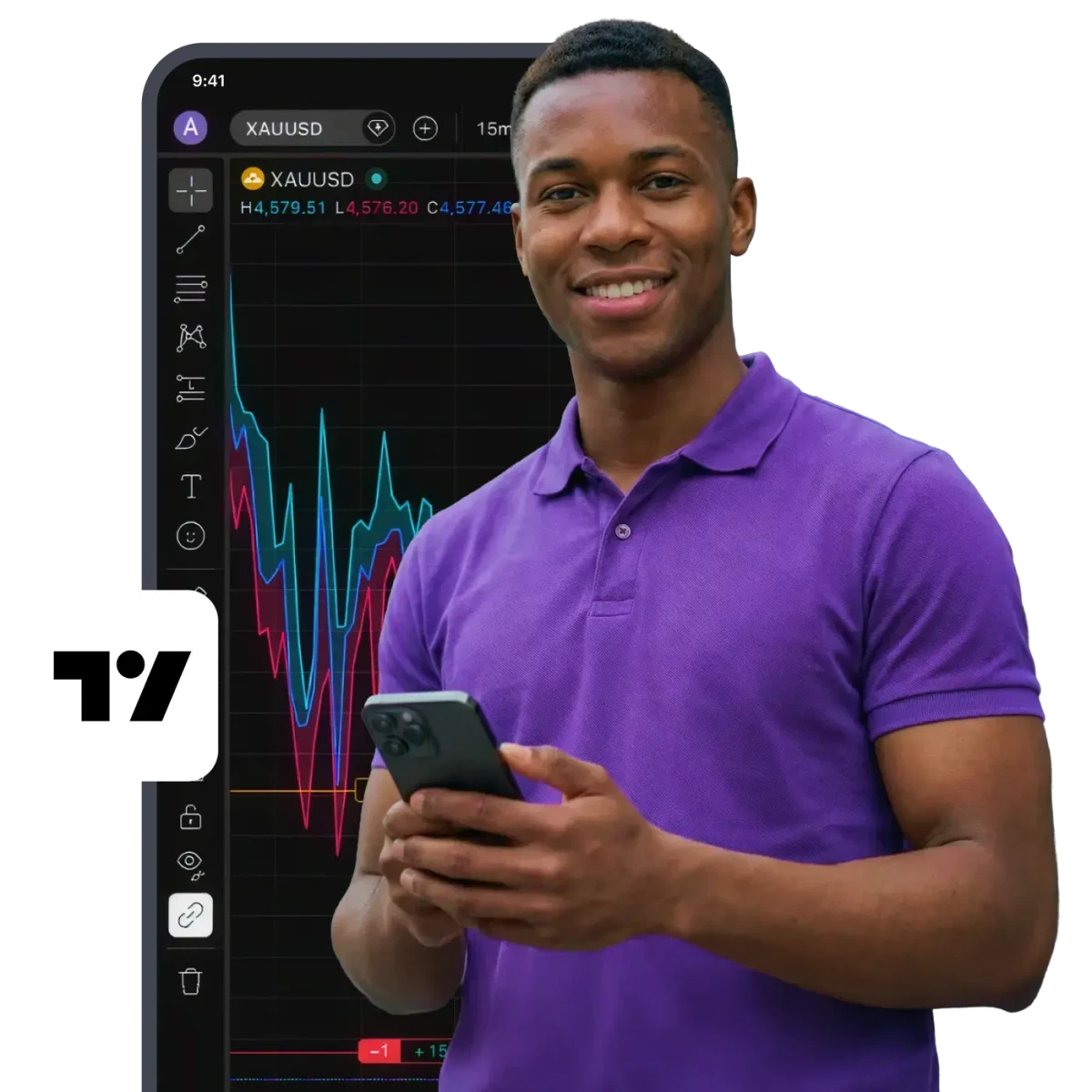
The charting and trading platform millions trust

400+ indicators for detailed analysis

Built-in indicators, powerful asset screeners, alerts, and strategy testing using historical data.
Industry-leading charts

17 chart types, 110+ drawing tools, and deep customisation for any trading style.
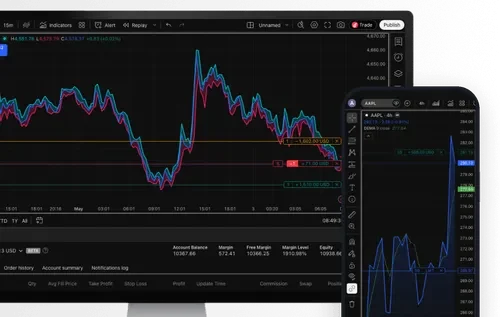
Real-time news and alerts

Set custom price, indicator, or trendline alerts and get notified the moment the market moves your way.
Available on mobile & desktop

Android & iOS

Get TradingView
googleplayappstoreweb

How to access TradingView

  1. Sign up for an account

    Sign up for a free Deriv account and a free TradingView account.

  2. Find TradingView on your Deriv dashboard

    Find it under the CFDs section, and click Connect to TradingView.

  3. Connect your accounts

    In TradingView, click Connect to link your accounts.

  4. Start trading

    Choose your favourite instrument and start trading directly on TradingView charts.

TradingView FAQs

Go to tradingview.com and sign up with your email or social media accounts.
TradingView is compatible with all modern browsers and has a desktop and mobile app that you can download from their website.
You can trade the top global financial markets like forex, stocks, commodities, crypto, and more, as well as 24/7 Synthetic Indices like Volatility Indices, Crash/Boom Indices, Step Indices, Jump Indices, and more.
After connecting to TradingView, you can manage your funds, including deposits and withdrawals, via your Deriv Wallet.
There are several ways to do that — you can always check TradingView’s help centre or YouTube channel for helpful information or ask for feedback through support tickets on TradingView.
Yes, you can access TradingView charts for free through your Deriv account. Some advanced features and tools may require a paid TradingView subscription.
Yes, you can use your Deriv demo account when you trade on TradingView charts. You can also use the Paper Trading feature on TradingView, designed to execute simulated trades without risking real money. To practise trading using Paper Trading, open a chart, then open the Trading Panel, and select Paper Trading. Note that this type of trading does not reflect the nature of speed and order execution when you trade with your Deriv account.

Join 3M+
global traders

Open an account in minutes and start trading the world's markets — forex, stocks, indices, and more.

WhatsApp